Dashboard
The Ark dashboard provides a visual interface for managing your agents, teams, and models.
Access the Dashboard
Run the ark dashboard command:
ark dashboardThe dashboard will open in your browser:
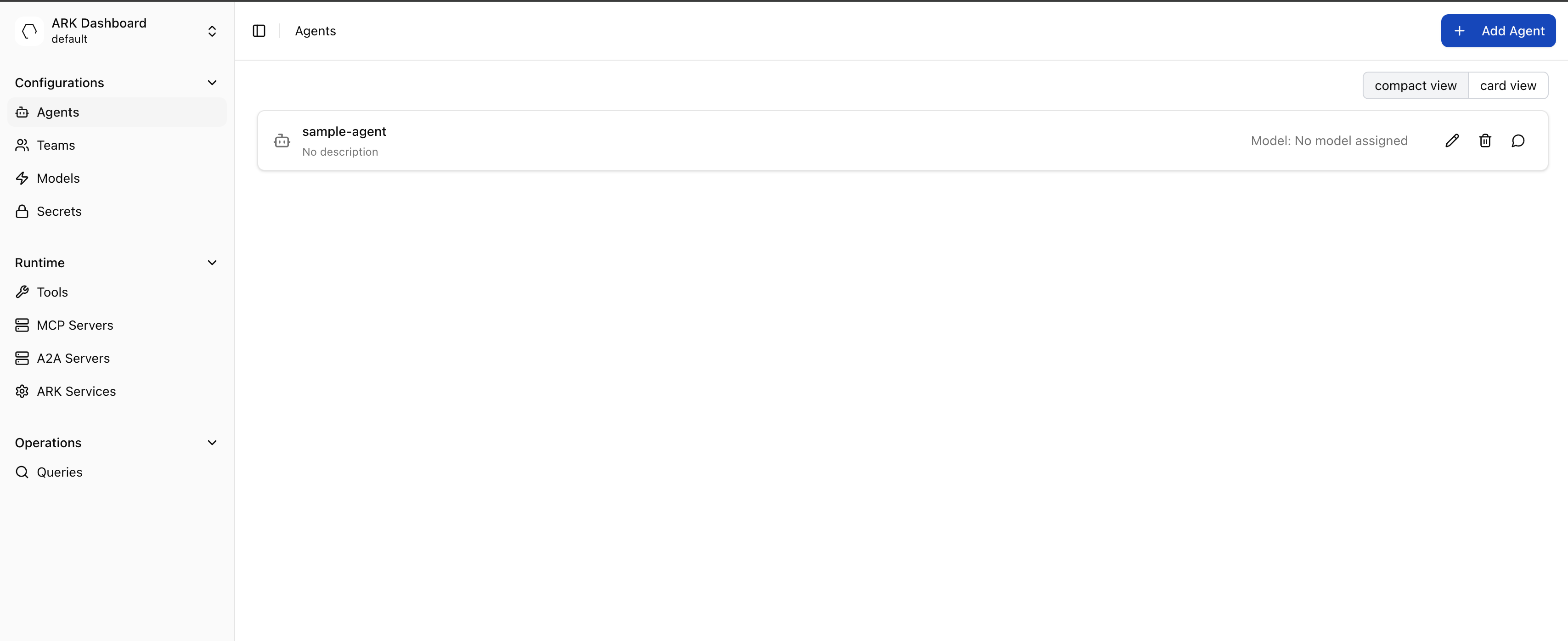
The dashboard can be used to create models, agents, teams, tools, run queries, check events, view workflow templates, and more.
List filters and the URL
A list screen keeps its filters, sorting and page in the URL, so the view you are looking at can be bookmarked, shared, or reloaded without setting it up again. The Files section keeps its current folder there the same way. Workflow runs keeps its filters but always opens on the first page.
Two ways back to a list behave differently:
- Return controls restore the list. A detail page’s breadcrumb, a form’s back or cancel action, and closing Settings all return the list as you left it, with your filters still applied.
- Sidebar entries open the screen fresh. Clicking a section in the sidebar applies no filters, which is how you get back to a screen’s default state. This is the same for every section, so a sidebar click never carries a filter you have forgotten about.
Opening a detail page from a link rather than from its list returns you to an unfiltered list, since there is no earlier state to restore. Restoring always uses the namespace you are in now, not the one recorded earlier.
A search typed just before leaving a list, less than half a second earlier, is not saved yet, so the list comes back without it.
Ready to build? Start by creating and managing Models.