Noah
Noah is the Agent who runs the Ark. Noah can answers questions on how Ark works, fix problems, create new agents, troubleshoot the system, or help you build agentic use cases.
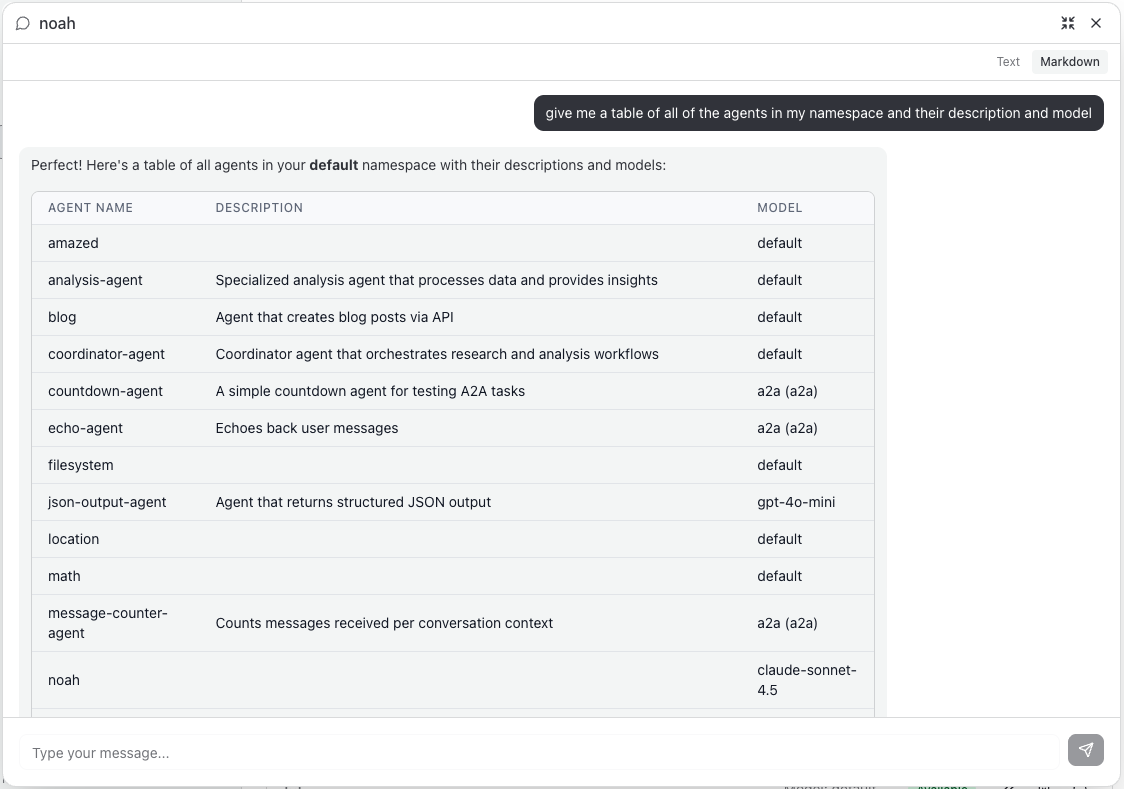
Examples
Ark Basics
"What is Ark, how does it work?"
"How can I create an agent, can you help me create one?"
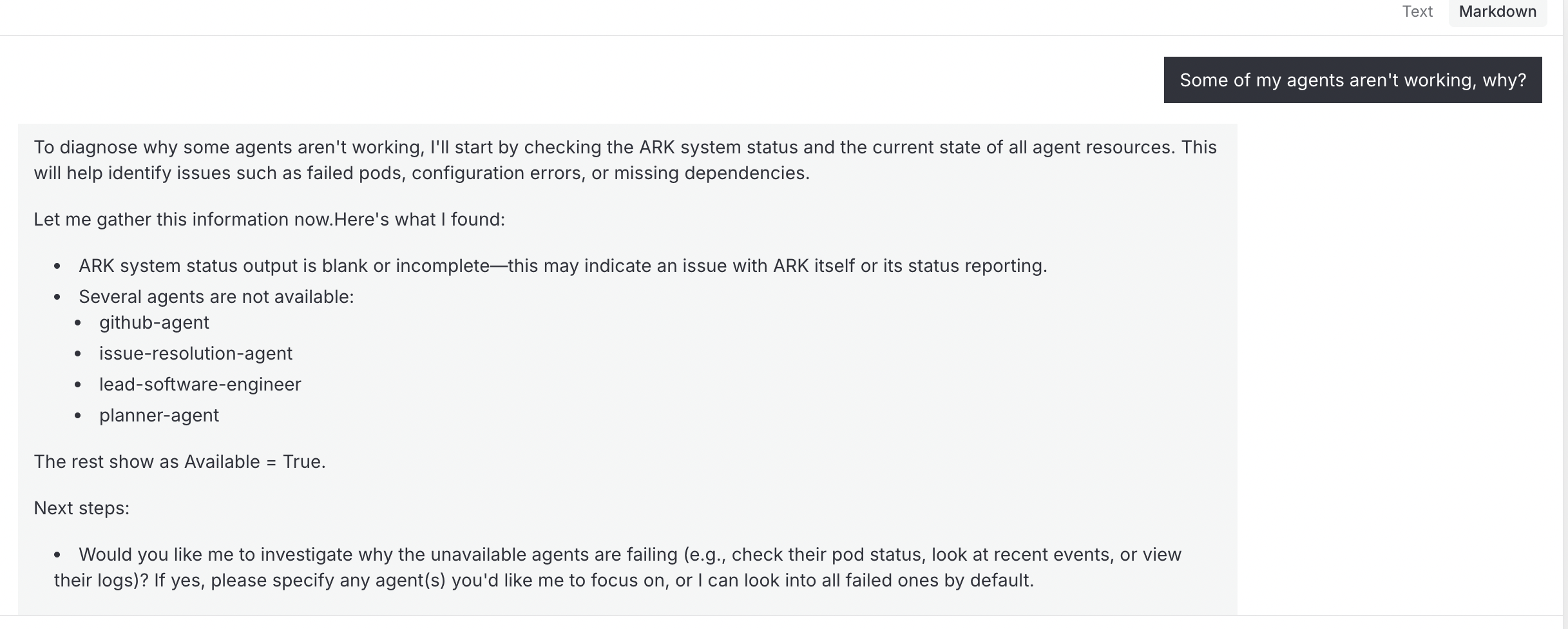
Troubleshooting Agents
Some of my agents aren’t working - why?
Kubernetes Cluster Management
"Show me all pods in the cluster"
"What's the status of deployments in the ark-system namespace?"
"Describe the noah-mcp service"
"List all Helm releases"
"Show me the values for the langfuse release"
"What charts are available in the repository?"
Requirements
- Ark 0.1.50+: Noah requires Ark version 0.1.50 or later due to MCP server path configuration changes
- For older Ark versions, set
mcpServer.path: ""in your Helm values to disable explicit path configuration
Quick Start
Installation
Using ARK CLI (Recommended):
ark install marketplace/agents/noahUsing DevSpace (for Development):
cd agents/noah
devspace deploy
Using Helm:
cd agents/noah
helm install noah ./chart -n default
Tools
Under the hood, Noah works because he has access to the Kubernetes APIs and some basic shell tools, such as kubectl, helm, bash, argo, python and so on.
Noah also has access to an “Ark Administration” MCP server that provides additional capabilities.
Security Considerations
Noah has admin privileges within its namespace and can perform operations including:
- Deleting resources
- Modifying configurations
- Accessing secrets and sensitive data
Uninstallation
Using ARK CLI:
ark uninstall marketplace/agents/noahUsing DevSpace:
cd agents/noah
devspace purge
Using Helm:
helm uninstall noah -n defaultLast updated on